Turn your podcast into video clips
One episode. A week of clips, audiograms, quote cards, trailers
Onda listens to the whole episode, suggests the moments worth sharing and turns each one into a captioned clip: vertical, square or wide.
-
-
-
One show, every format
All cut from Low Simmer episodes in a few clicks, captions included.
-
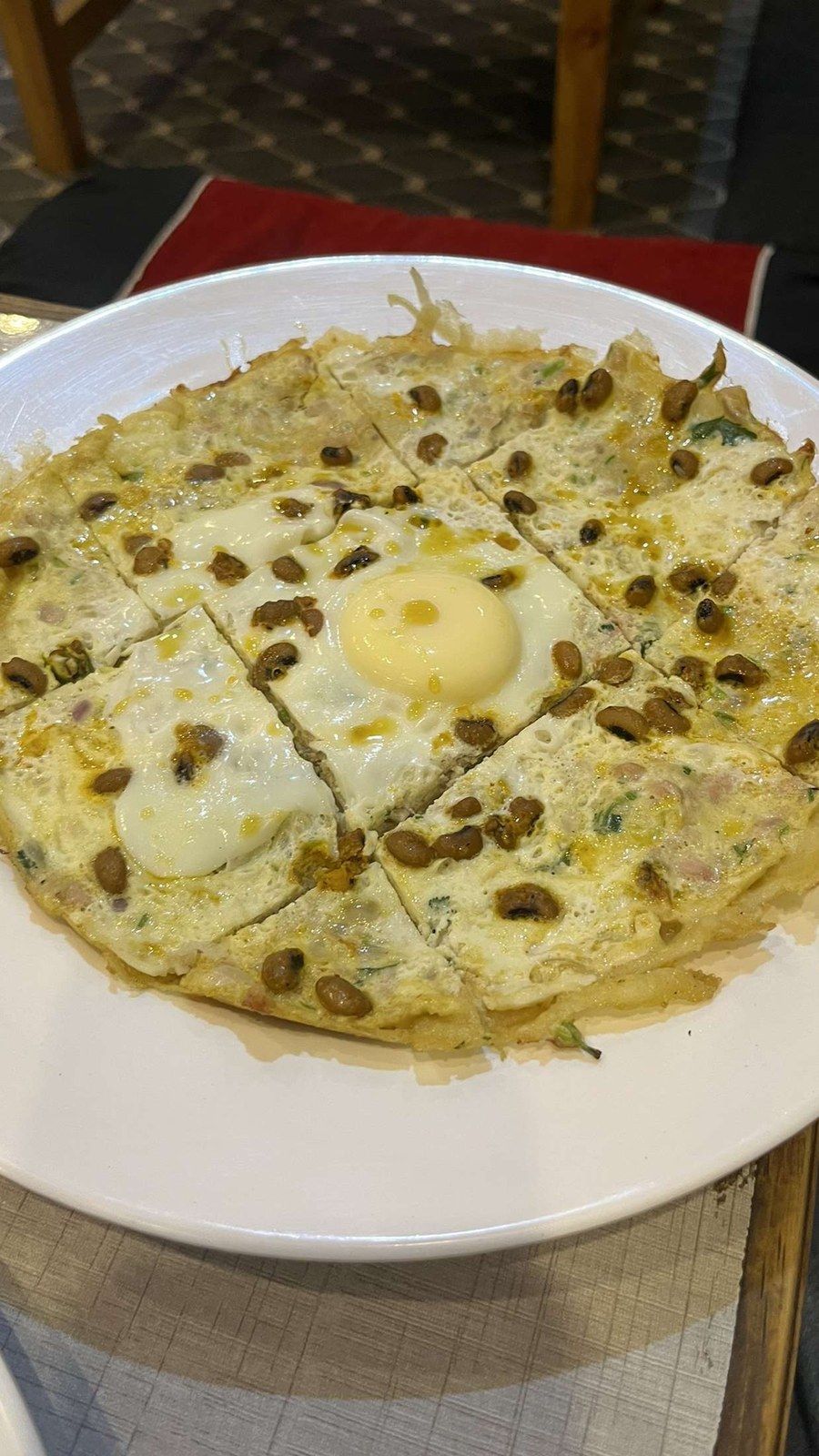
Vertical feeds Vertical clip, 9:16
“The flip is in the wrist, not the pan.” Yvonne Le Goff, episode 46
-
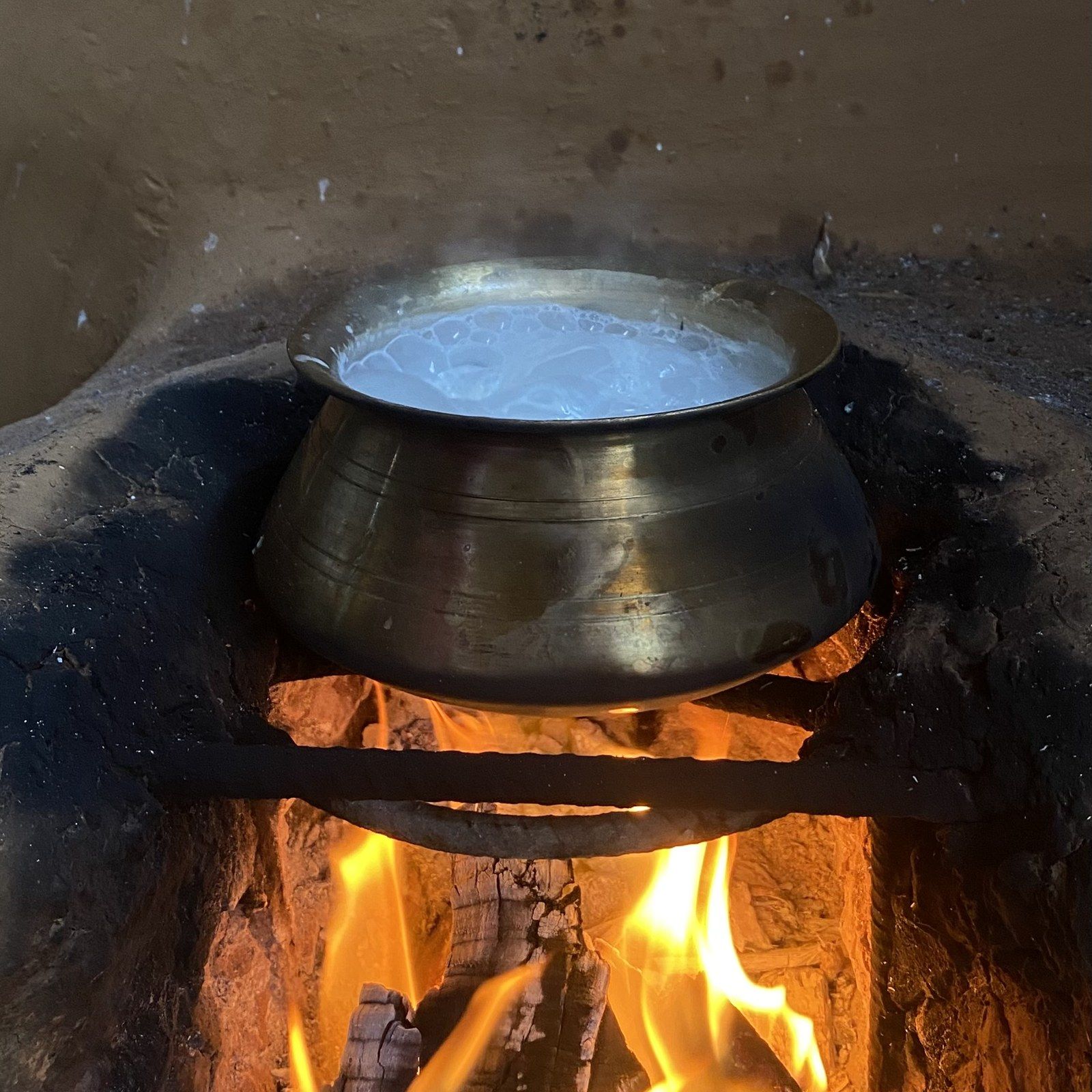
Social feeds Square audiogram, 1:1
Cover art, an animated waveform and live captions.
-
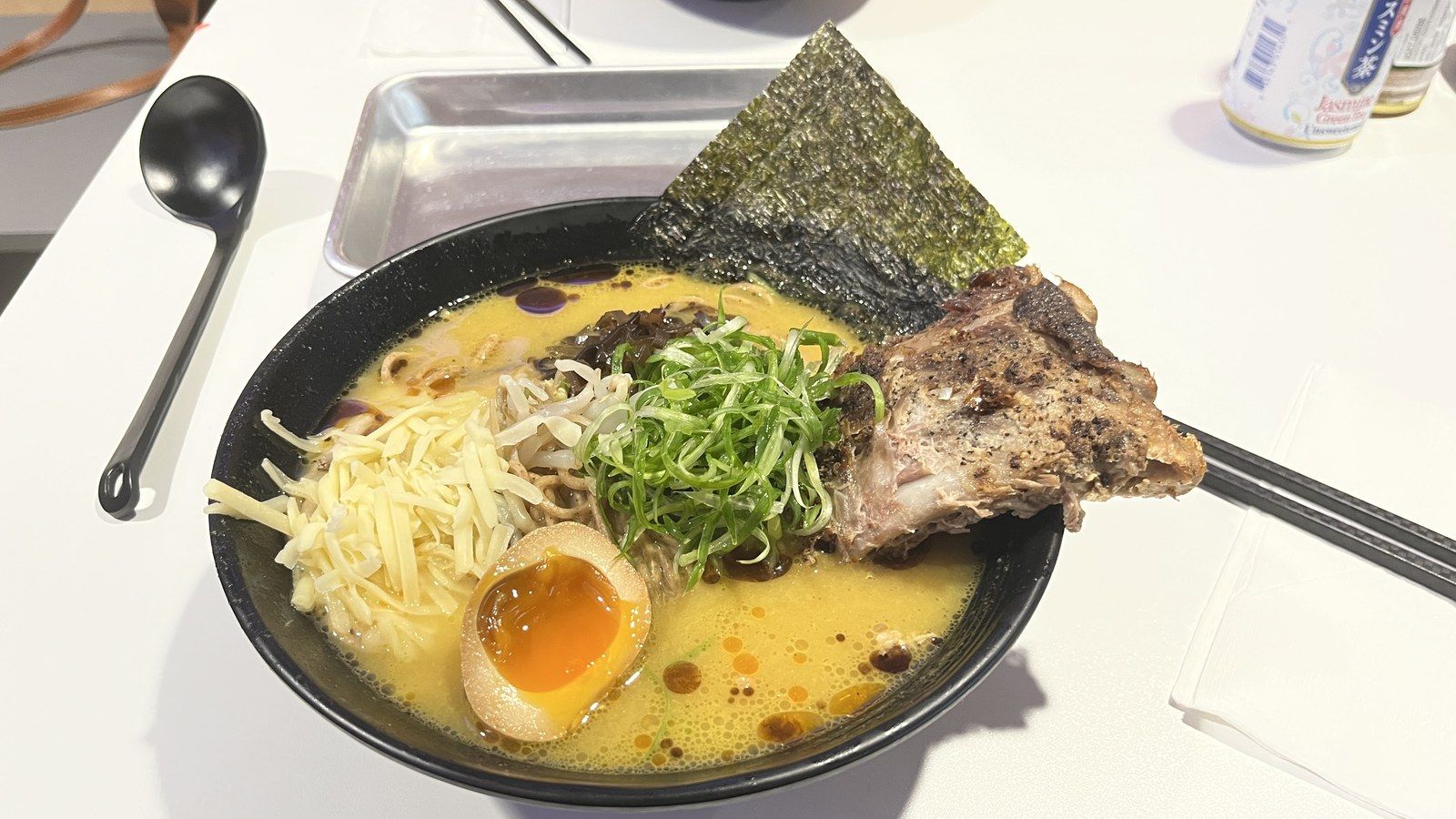
Video platforms Wide clip, 16:9
For video platforms and your website, with speaker names on screen.
-
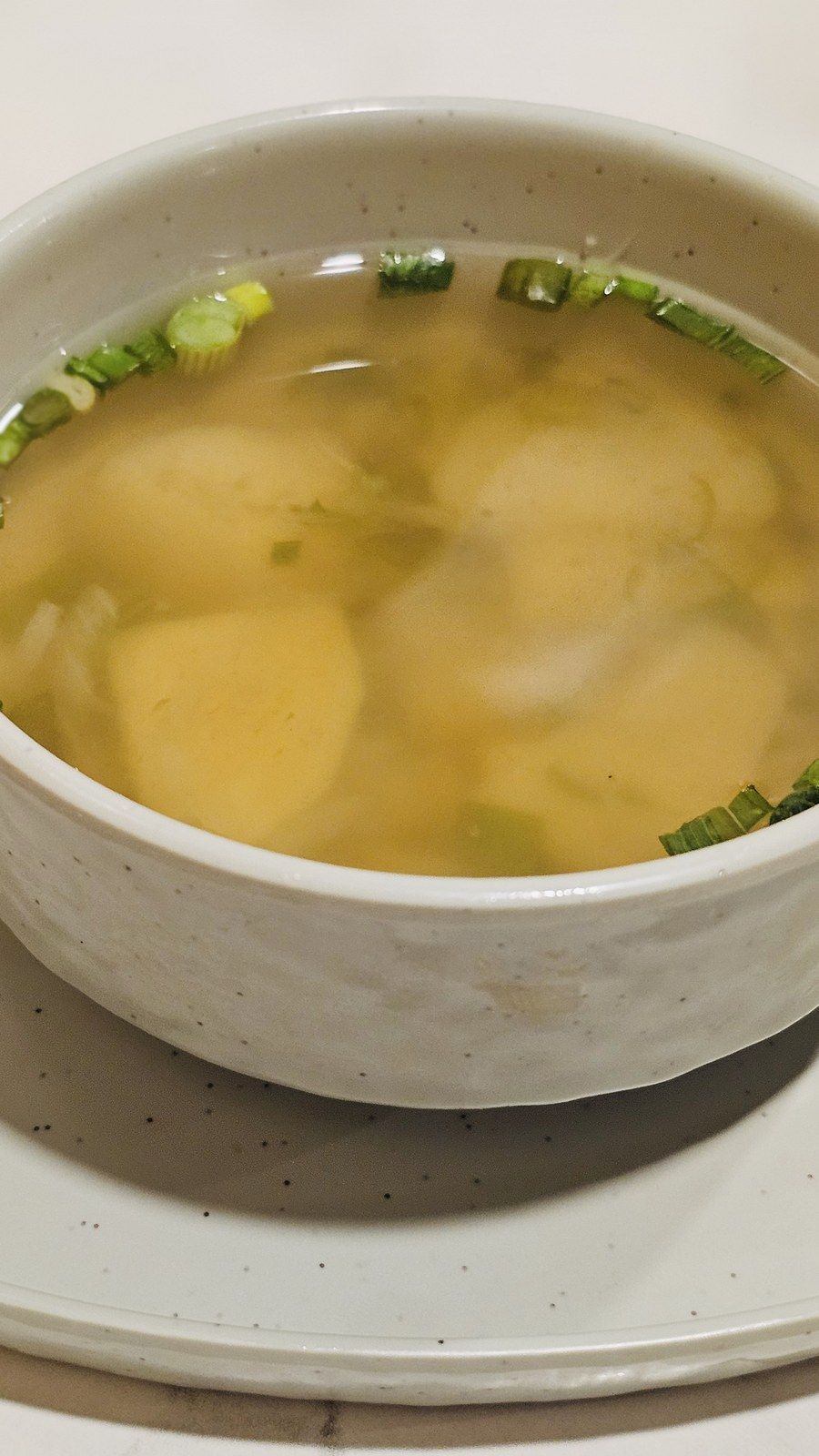
Static post Quote card
“After five minutes, the bonito gives you bitterness.” Mariko Ueda, episode 47
-
Trailer Season trailer
Thirty seconds of the season’s best lines, cut together.
From full episode to ready-to-post clips
-
Add an episode
Upload an MP3, WAV, M4A or MP4 up to 2 hours long, or pick an episode from your RSS feed.
-
Pick the moments
Onda suggests the strongest moments from the transcript. Keep them, trim them, or select any passage by highlighting its text.
-
Style and export
Choose a format and a caption style, add your logo and export MP4 files ready to post.
Everything a clip needs to stop the scroll
-
Highlights, found for you
Onda reads the transcript for punchlines, stories and strong opinions, and ranks the moments worth clipping.
-
Animated captions
Word-by-word captions in your fonts and colors, so clips work with the sound off.
-
Waveforms that move
Bars, lines or a pulsing circle over your cover art, in sync with the voice.
-
Three formats at once
Export 9:16, 1:1 and 16:9 from one edit; on video, the framing follows whoever is speaking.
-
Your brand kit
Save fonts, colors, logo and intro card once, and every clip comes out on brand.
-
Edit by text
Cut a clip by selecting words in the transcript. Delete a filler word and the audio follows.
One episode, a week of posts
What a single recording can become.
-
Launch day
A vertical teaser and a square audiogram go out the morning the episode is released.
- 9:16 teaser
- 1:1 audiogram
- Episode link in the post text
-
Guest share kit
Send each guest three clips of their best moments to post to their own audience.
- Ready-to-share clips
- Their name on screen
- One link to share
-
Video platforms
Publish a wide edit with speaker names and chapters as the video version of the show.
- 16:9 format
- Chapters from the transcript
- SRT or VTT captions
-
Quote cards and threads
Turn the sharpest lines into static quote cards and text posts, with a timestamp to listen.
- Square visuals
- Quote and guest name
- Timestamped link to the episode
Podcasters who clip with Onda
-
We used to lose Monday night in a video editor. Now the guest kit goes out with the episode and our guests do half the promotion.
Priya RamanHost, The Late Desk -
The suggested moments are the ones I would have picked, which is slightly unsettling. I just trim and post.
Mateo IbarraProducer, Second Half Radio -
Captions in our own font and colors made the clips look like they came from a studio, not a template.
Hannah LoweFounder, Wildgrass Audio
Start clipping for free
One credit per minute of audio, shared with every other Onda tool.
Clip questions
What is an audiogram?
A short video made from audio: your cover art or a background, an animated waveform and captions. It lets an audio-only show post on feeds built for video.
Which formats can I export?
MP4 in vertical 9:16, square 1:1 and wide 16:9, with captions burned in using an outline or a box style. You can also download the captions alone as SRT or VTT.
Can I make clips from a video podcast?
Yes. Upload an MP4 and Onda keeps the video, reframes it for each format and follows the active speaker.
Do clips work in other languages?
Yes. Captions are generated in the episode’s language, in any of the 42 languages Onda transcribes.
Can I add my logo and fonts?
Yes. Upload your logo and fonts once to the brand kit and pick the caption colors and position; every new clip uses them.
Your best moments are already recorded
Upload last week’s episode and get your first clips, captions included.